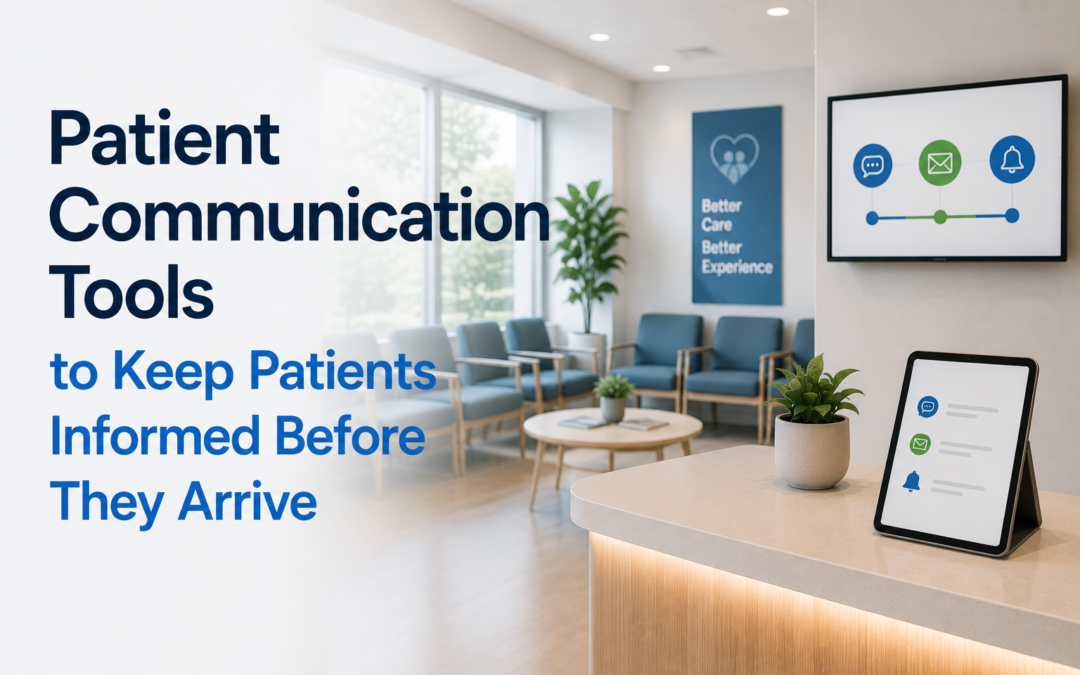
Patient Communication Tools
How Clinics Can Keep Patients Informed Before They Arrive
Patient communication tools help clinics share important information before patients call, book, or arrive. When patients can check clinic status, wait-time estimates, availability, and visit instructions in advance, they are better prepared and less likely to feel uncertain.
TONVUX helps clinics publish patient-facing updates on their own website, waiting-room kiosk, and location status views, so patients can find clearer information before they leave home.
Why Pre-Visit Communication Matters
Many patients visit a clinic website before deciding what to do next. They may be checking whether the clinic is open, whether walk-ins are accepted, how long the wait might be, or what they need to bring.
If that information is missing or outdated, patients may call the front desk, arrive at the wrong time, leave before being seen, or choose another clinic.
Clear pre-visit communication helps clinics set expectations before the patient arrives.
What Patients Want To Know Before Visiting a Clinic
Patients usually want simple, practical answers.
Patient communication tools can help clinics answer these questions before patients need to call.
How Patient Communication Tools Support Clinics
Patient communication tools can make clinic information easier to publish, update, and keep consistent across patient-facing channels.
For clinics, this can help:
- Reduce repetitive calls about basic access information
- Support front-desk teams during busy hours
- Give patients clearer expectations before arrival
- Share temporary updates faster
- Keep information consistent across locations
- Improve the usefulness of the clinic website
- Help patients choose the right location when multiple sites are available
Results can vary depending on clinic workflow, patient behaviour, website traffic, and implementation.
Use Your Website as the First Communication Channel
A clinic website is often the first place patients check. It should do more than list standard hours and a phone number.
Clinics can use their website to show current clinic information.
Current Clinic Status
Open, closed, busy, temporarily unavailable, or closing early. TONVUX Status helps clinics keep status information visible and current.
Estimated Wait Time
A clear wait-time estimate, shown as an estimate rather than a guarantee. Learn more about the TONVUX Wait Time Widget.
Walk-In Availability
Whether walk-ins are accepted, limited, or temporarily unavailable.
Provider Availability
General provider availability when appropriate for public-facing communication.
Patient Instructions
What to bring, when to arrive, where to check in, or whether to call first.
Clinic Announcements
Temporary closures, holiday hours, delays, or schedule changes.
Keep Updates Current Throughout the Day
The most useful patient communication tools are easy for staff to update. If updating a website requires technical help or takes too long, information may fall out of date.
TONVUX gives authorized staff a dashboard for publishing patient-facing clinic updates. Those updates can appear on the clinic website, waiting-room kiosk, and location status views.
Support Multi-Location Clinics
For clinics with more than one location, pre-arrival communication becomes even more important. Patients need to know which location is open, accepting walk-ins, or showing a shorter estimated wait.
TONVUX can help multi-location clinics display location-specific updates, so patients can choose the site that best fits their needs.
Use Waiting-Room Displays After Arrival
Pre-arrival communication should continue once the patient arrives. A waiting-room kiosk can show updated wait times, announcements, provider availability, and check-in instructions.
This helps patients stay informed and may reduce repeated questions at the front desk. See how TONVUX Kiosk supports waiting-room displays.
Keep Communication Clear and Privacy-Conscious
Public-facing clinic updates should be general and operational. They should not include patient names, diagnoses, health card numbers, appointment notes, treatment details, or EMR records.
Good public updates are short, useful, and easy to understand.
Examples include:
- Walk-ins currently accepted
- Estimated wait time: 45 minutes
- Clinic closing early today
- Provider unavailable this afternoon
- Please bring your health card
- Please check in at reception
- Holiday hours are in effect
How TONVUX Helps Keep Patients Informed
TONVUX helps clinics publish real-time status updates and patient-facing announcements from one clinic-owned platform.
Clinics can use TONVUX to share:
- Open or closed status
- Estimated wait times
- Walk-in availability
- Provider availability
- Clinic announcements
- Arrival instructions
- Waiting-room messages
- Location-specific updates
- Patient engagement analytics
TONVUX is not an EMR, patient portal, clinical messaging system, or diagnosis tool. It supports patient communication by making public clinic information easier to update and easier to find.
Key Takeaway
Clinics can keep patients informed before they arrive by making current information visible, simple, and easy to update. Patient communication tools like TONVUX help clinics share status updates, wait times, availability, and instructions where patients are already looking: the clinic website.
Keep Patients Informed Before They Arrive
TONVUX helps clinics publish estimated wait times, walk-in availability, provider status, clinic announcements, arrival instructions, waiting-room messages, and location-specific updates from one clinic-owned platform.
Request Early Access
Call (587) 998-0919
Email [email protected]
FAQ
What are patient communication tools?
Patient communication tools help clinics share information with patients before, during, or after a visit. This may include clinic status updates, wait times, reminders, announcements, instructions, portals, messaging systems, or waiting-room displays.
How can clinics keep patients informed before they arrive?
Clinics can keep patients informed by publishing current hours, walk-in availability, estimated wait times, provider availability, temporary announcements, location details, and arrival instructions on their website.
Can patient communication tools reduce phone calls?
Patient communication tools may reduce repetitive phone calls by making common clinic information easier to find online. Results can vary by clinic and patient behaviour.
Does TONVUX send direct messages to patients?
Based on the provided information, TONVUX focuses on website updates, kiosk messages, location status views, and public clinic communication. Do not claim SMS, email, or two-way messaging unless those features are confirmed.
Can TONVUX support multiple clinic locations?
Yes. TONVUX can support location-specific updates for clinics with more than one location.
Does TONVUX replace an EMR or patient portal?
No. TONVUX does not replace an EMR, patient portal, booking system, billing system, clinical documentation software, or secure messaging platform.
Does TONVUX show private patient information?
TONVUX public updates do not need to show patient names, diagnoses, health card numbers, treatment details, appointment notes, or EMR records.